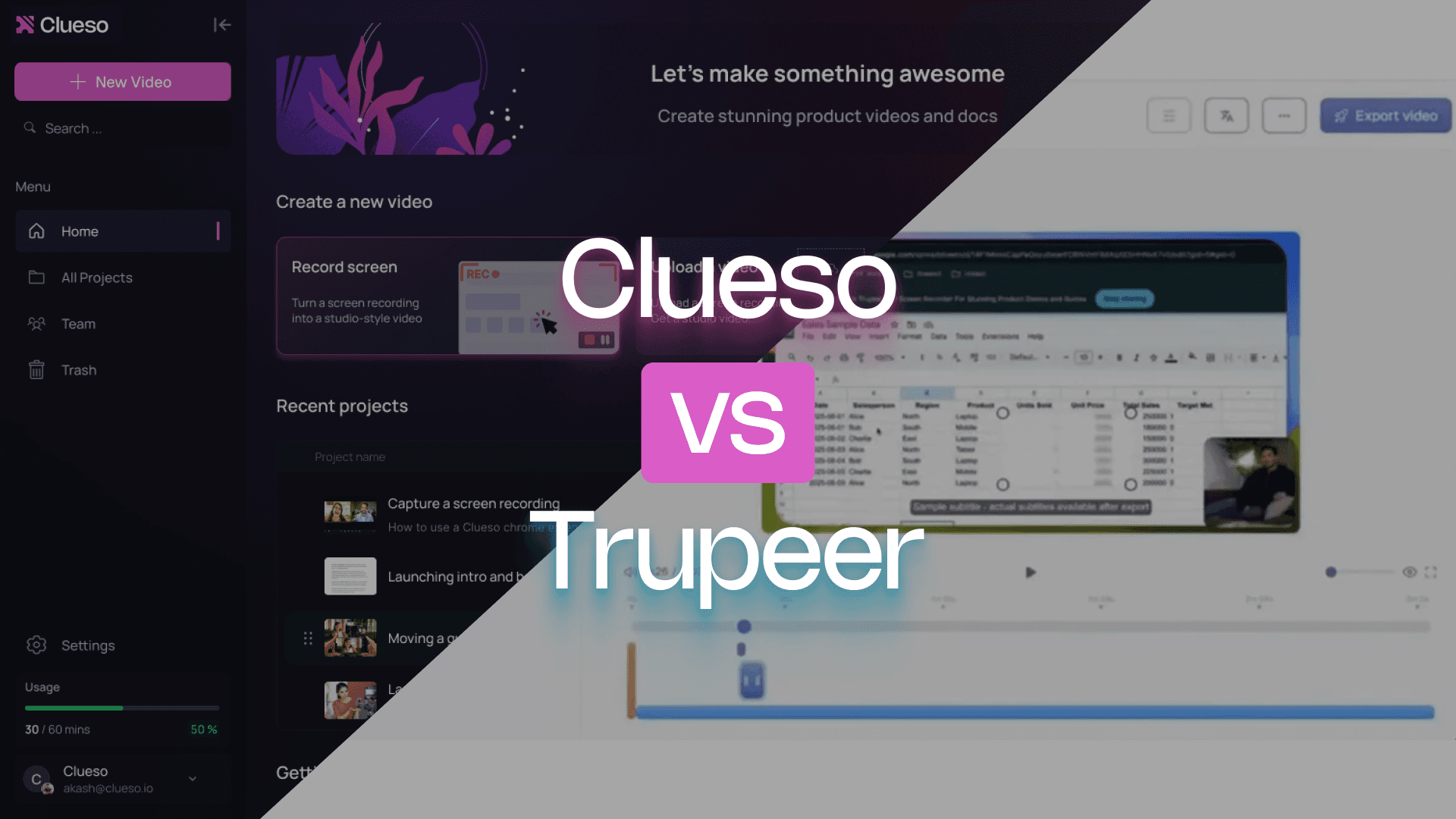
Trupeer is built for quick screen recordings with documentation. Clueso shows your product in action with polished walkthrough videos and multilingual guides that can be maintained and shared at scale.
If you need content others can learn from, this comparison will make the difference clear.
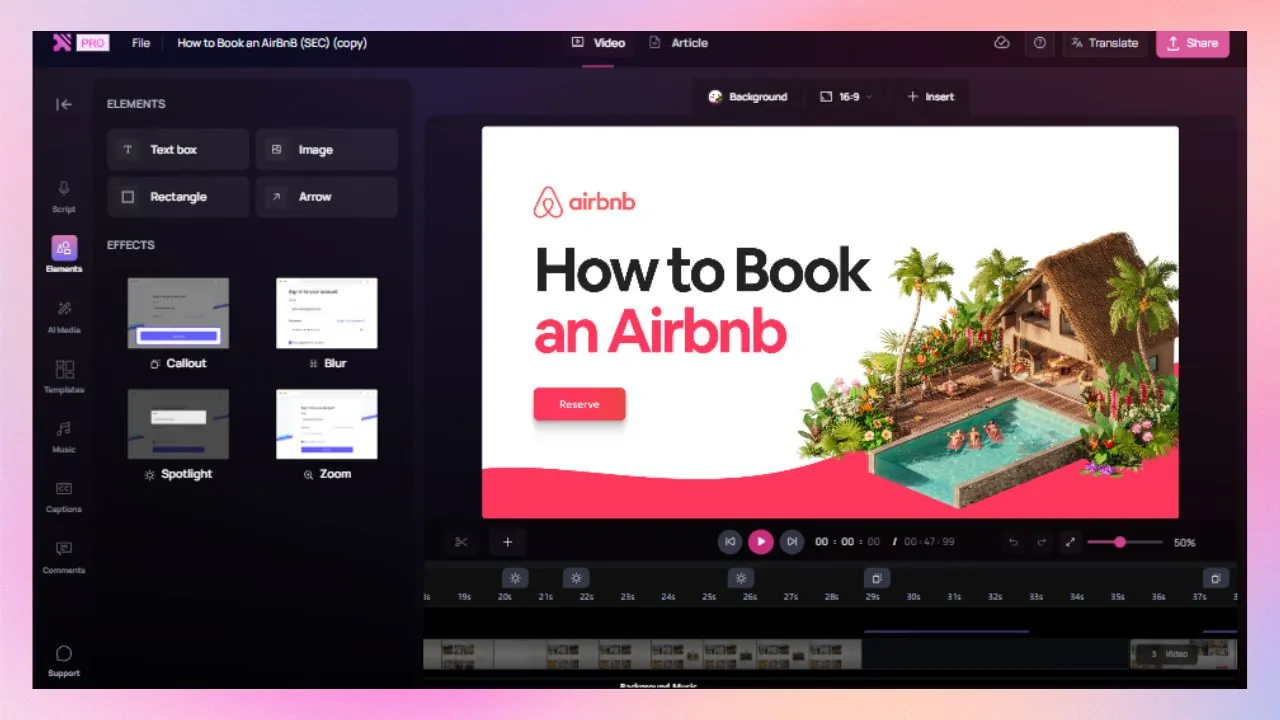
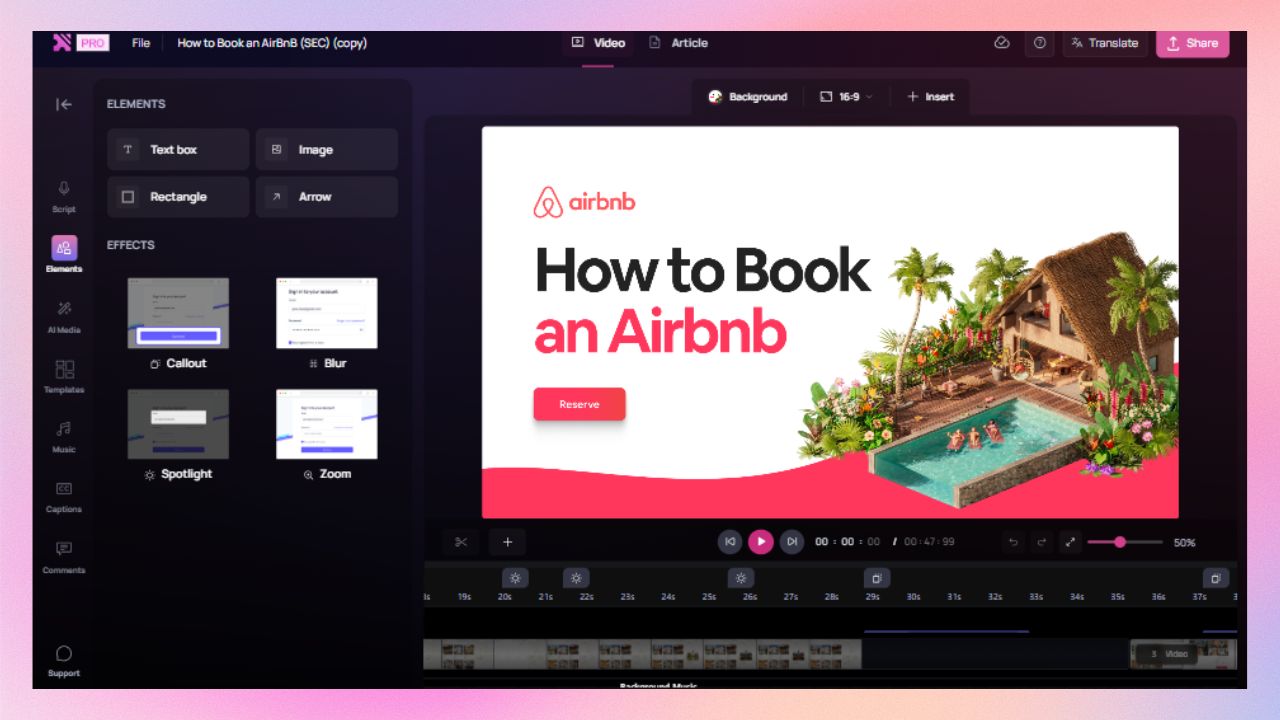
Clueso gives you powerful editing tools inside a clean, intuitive timeline. You get professional-grade control without needing professional-grade skills.
Turn PPTs, PDFs, and docs into videos
Clueso converts presentations and documents into studio-quality videos with smooth transitions, structured scenes, and realistic voiceovers.
Audio and video that stay perfectly in sync
Clueso keeps narration and visuals aligned, even as you edit or rearrange scenes. Update a script, trim a section, or insert a new clip, and everything stays synchronized automatically.
Clueso vs Trupeer at a Glance
Video Creation Features
Feature
Clueso
Trupeer
Inbuilt screen recorder
✓
✓
Process capture and step detection
✓
✓
Video editing
✓
Limited
AI script generation from videos
✓
✓
Speech-to-text transcription
✓
✓
Custom prompt for AI script
Advanced
Basic
AI Voiceovers
✓
✓
Audio tag for expressive voiceover
✓
❌
Pronunciation dictionary
✓
✓
AI Avatars
✓
✓
Audio-video sync
✓
✓
Upload existing videos
✓
✓
Convert PPT/Slide deck to video
✓
❌
Convert PDF/Word documents to video
✓
❌
Break long recordings intobite-sized videos
✓
❌
Background music
✓
✓
Documentation Features
Feature
Clueso
Trupeer
Auto article generation from videos
✓
✓
Article co-pilot
✓
❌
Screenshots
✓
✓
Sceenshot to GIF
✓
❌
Multi-format Export
HTML, PDF, Markdown, Rich-text formats
PDF, Markdown,word doc
Editing Features
Feature
Clueso
Trupeer
Branding options
✓
Limited
Zoom effect
✓
✓
Callouts
✓
❌
Arrows and highlights
✓
❌
Annotation and blur
✓
✓
1-click translation
✓
✓
Translation Glossary
✓
✓
Content updates
✓
❌
Enterprise Features
Feature
Clueso
Trupeer
Security compliance
SOC2, ISO 27001
SOC2, ISO 27001
Shared team workspace
✓
✓
You’re in good company
Clueso has been a game-changer for supporting our front-line and office workers. Its intuitive interface and powerful AI let us quickly deliver clear, targeted content, dramatically boosting our productivity. Plus, Clueso's customer support is among the best of any vendor we use. A truly fantastic partner!
Daniel WoodDirector of Learning and Development, Global Partners LP
Daniel Wood, Director of Learning and Development, Global Partners LP
With Clueso, we created and launched 8 training courses for Duda's new editor in just one quarter—something we never thought was possible given the resources we had. The ability to make dynamic updates to videos has truly been a game-changer for my team!
Cyrus DorostiVP of Customer Success, Duda
Cyrus Dorosti, VP of Customer Success, Duda
As a fast-evolving software product, Personio looks for partners who help us deliver at pace. Clueso has helped us transform our video production, letting our expert video producers focus their time and opening up high-quality video production across our team. We also trust the team at Clueso to be responsive to our needs and innovative for the industry.
Adam AvramescuVP - Scaled Customer Experience, Personio
Adam Avramescu, VP - Scaled Customer Experience, Personio
We got Clueso to help us create product training videos for customers, and quickly realized we could use it to scale employee training on internal workflows too. What began with a few licenses has expanded across teams. Everyone loves Clueso!
Hillary DealDirector of Product Training and Enablement, Keyfactor
Hillary Deal, Director of Product Training and Enablement, Keyfactor
We're now producing 30+ professional-grade product videos every month. What used to take hours can now be done in just 15 minutes with Clueso.
Honest answers to things that come up in day-to-day use.
Video creation
Can I record my product or workflow step by step?
Yes, in both tools.
Both Clueso and Trupeer include an inbuilt screen recorder and support process capture with step detection. So, you can record your on-screen product or process easily.
How strong is the video editing experience?
Full editing in Clueso. Limited in Trupeer.
Clueso supports video editing as part of its core workflow. The process is fully automated but it allows room for manual edits. Clueso automates script writing, voiceover generation, and adding video enhancements while keeping everything synced.
Trupeer’s Auto Video Editor also automates the video editing process. However, it can be restrictive when you need more control for iteration, cleanup, or restructuring.
Do I need to write a script manually?
No, both tools support AI script generation from videos and speech-to-text transcription.
While recording your screen on Clueso, you can simply explain the actions in your own words. Do not worry if its clunky or full of pauses or filler words. Clueso generates a polished AI enhanced script from your raw narrations. If you need to edit it further, you can do it manually or using custom prompts.
Trupeer auto-refines your script by removing filler words and enhancing grammar and vocabulary. You can also adapt the script in different styles.
What about voiceovers and narration control?
Both tools support AI voiceovers, but only Clueso offers deeper control.
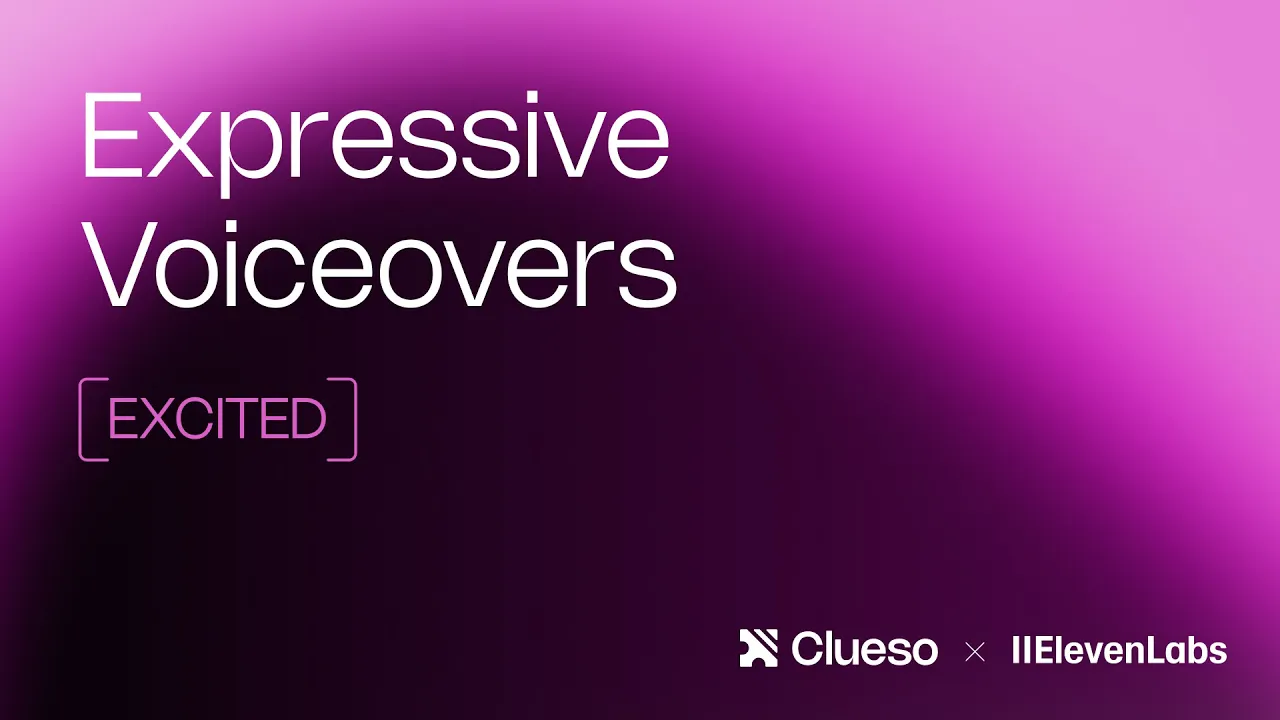
Clueso generates natural sounding AI voiceovers in 40+ languages. You can fine-tune delivery using simple voice tags, such as adding pauses, emphasis, or excitement, so the narration matches the moment. This is especially useful when the voice needs to carry emotion without relying on facial expressions. Clueso also offers a pronunciation dictionary so that you can specify how AI pronounces specific terms.
Trupeer offers AI voiceovers across multiple languages. They also have a custom pronunciation feature to specify how particular words are pronounced. But there are no controls available for fine-tuning tone, pacing, or delivery.
Do audio and visuals stay in sync when I edit?
Yes, in both tools.
With Clueso, audio and video stay aligned automatically. So, you do not need to worry about it when you edit the script, trim clips, or add new sections. You can add sync markers inside scenes, so you can fine-tune timing.
Trupeer’s Add Audio to Video tool automatically detects scenes and syncs the audio. It ensures your narration, background music, or effects play seamlessly without manual syncing.
Can I use AI avatars if I want to?
Yes, both tools support AI avatars.
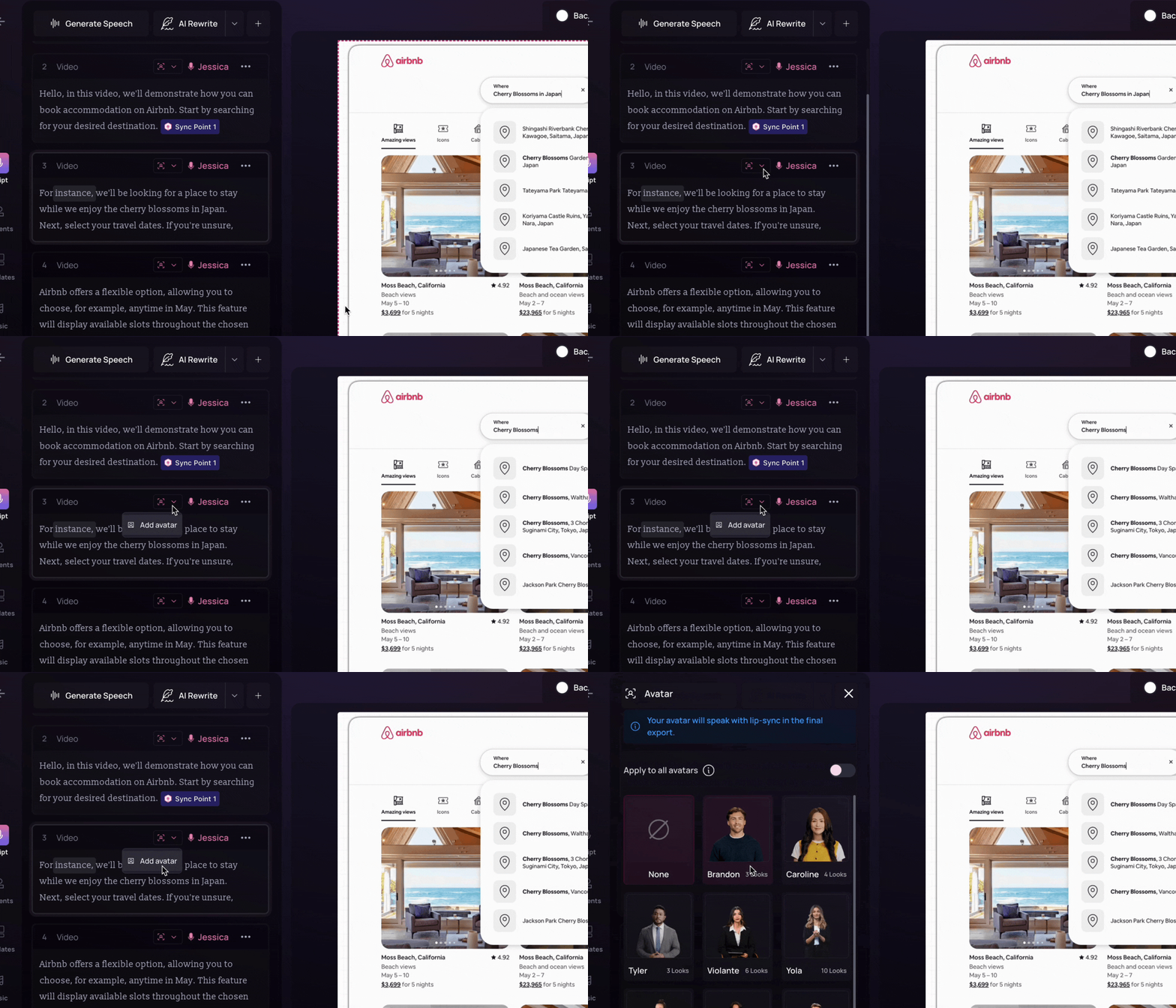
Both Clueso and Trupeer offers a range of realistic AI avatars . You can also customise AI avatars with face and voice cloning.
Can I upload existing videos and reuse them?
Yes in both tools.
Both Clueso and Trupeer support uploading existing videos. You can simply reuse them to create new content pieces.
Clueso analyses the slides as well as the speaker notes to come up with a script and add narration. Clueso also supports converting documents or PDF directly into video.
Trupeer's presentation ai analyzes content to automatically generate professional voiceovers, smooth transitions, and captions for a complete video presentation output.
Can I break long recordings into multiple short videos?
Automatically in Clueso. Not in Trupeer.
Clueso Cuts analyzes your long videos and automatically breaks them into bite-sized videos. You can use preset prompts to provide direction, like splitting by topics, engaging moments, and time ranges, or add custom instructions. You can also review the breakdown before finalising the clips.
Trupeer doesn’t offer any such features. Each video needs to be created individually.
Step-by-step guide creation
Can it convert videos into written step-by-step guides?
Yes, in both tools.
Both tools can generate written step-by-step guides from videos.
Clueso turns your video recording into full step-by-step documentation, complete with screenshots, action descriptions, and instructional text.
Trupeer generates written documentation with sections, contextual steps, and screenshots.
Will the tool help me edit and improve my help articles & SOPs?
Clueso can, Trupeer cannot.
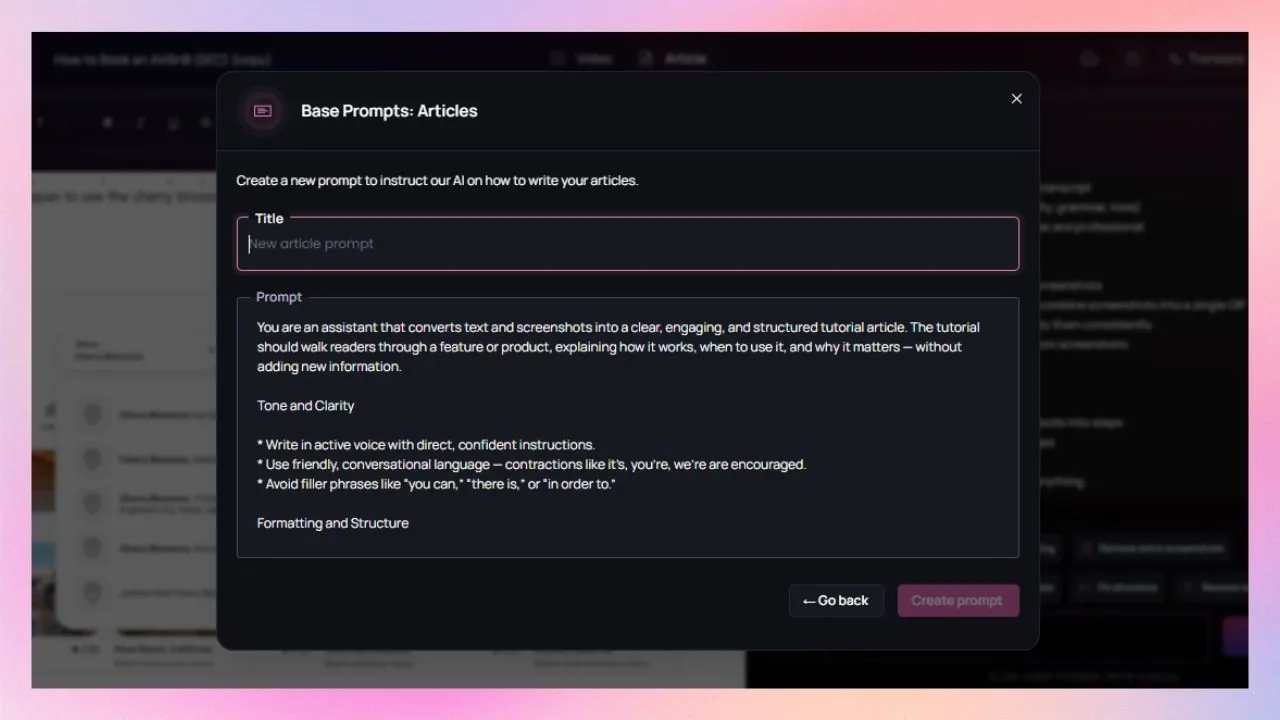
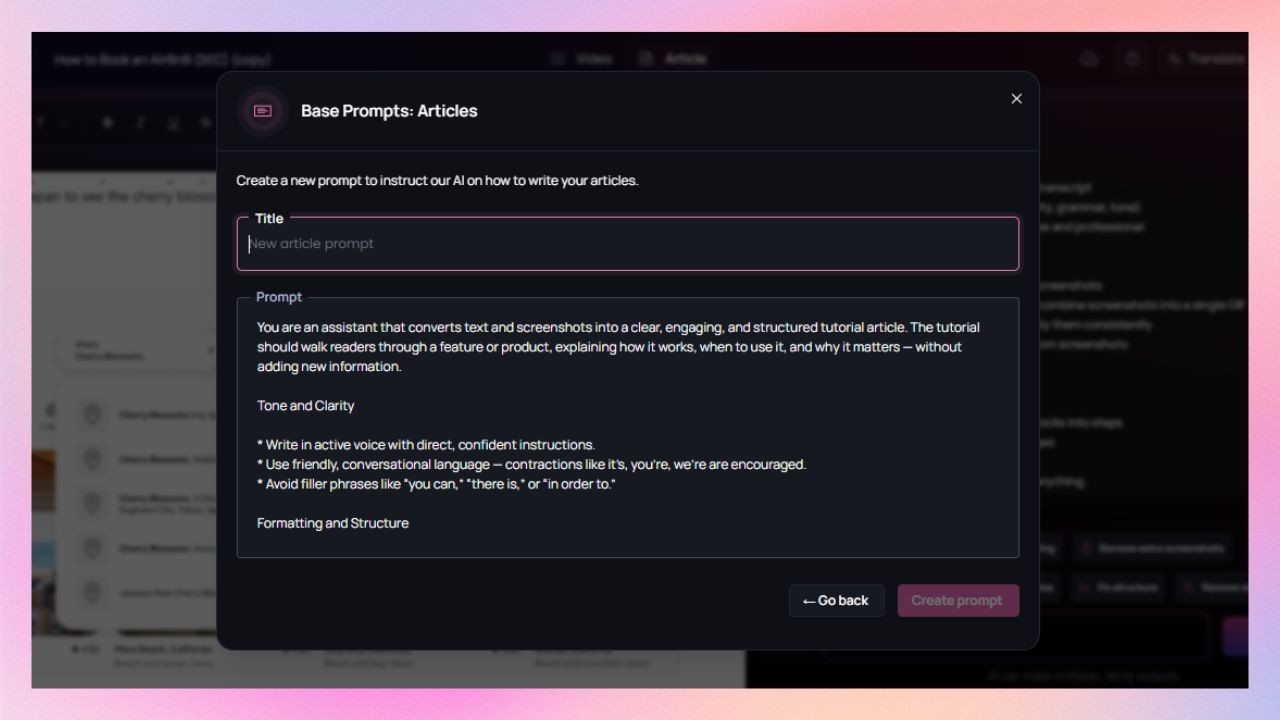
With Clueso’s Article Co-pilot, you can edit your articles and screenshots for better clarity and structure. You can either set up predefined instructions for all documentation upfront, like tone, structure, level of detail, and formatting rules, or use chat-based questions for real-time help.
Trupeer doesn’t offer any assistance for editing or improving the written documentation.
Can I generate screenshots and GIFs?
Yes, with Clueso. Not with Trupeer.
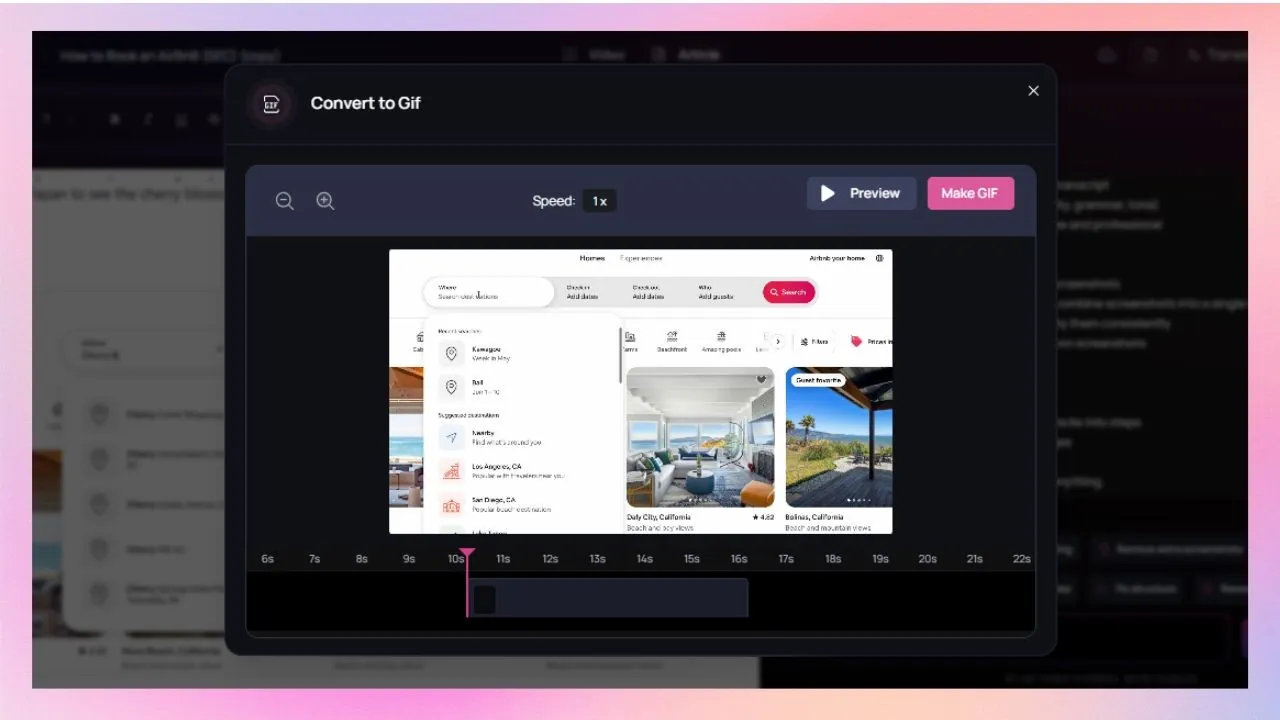
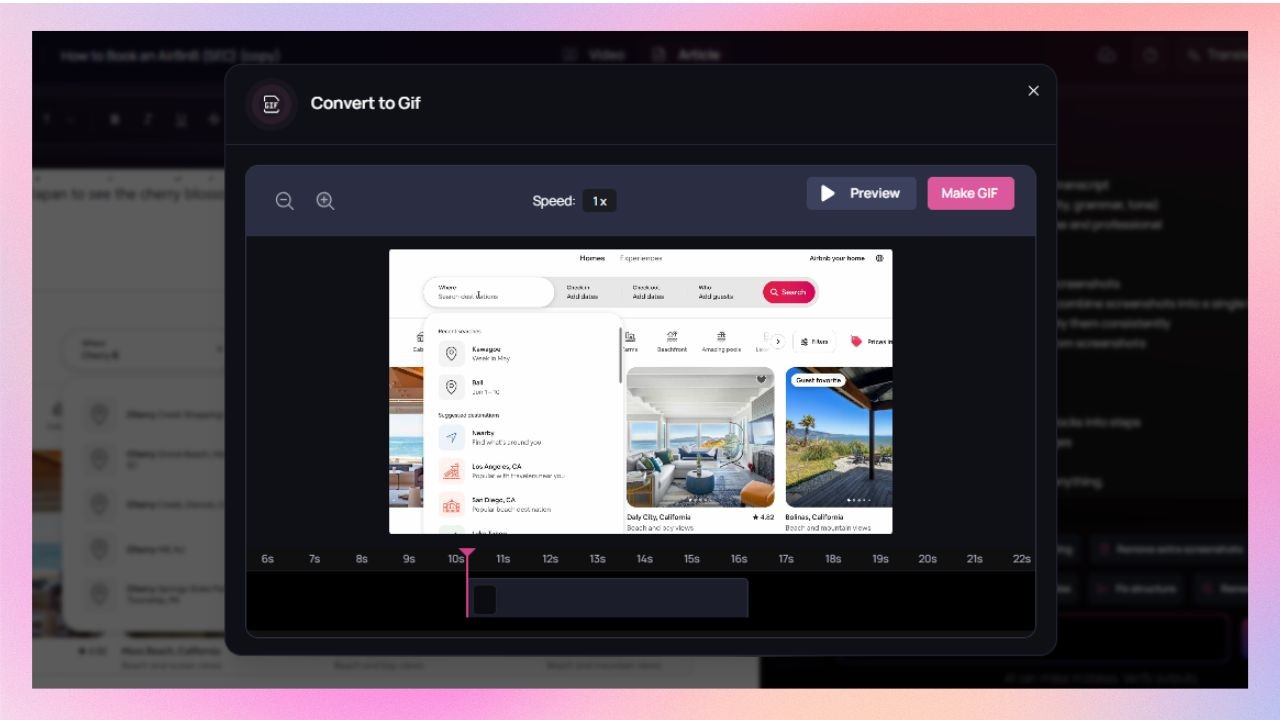
Clueso captures screenshots automatically as a part of the documentation workflow. It can convert a set of screenshots into GIFs. It keeps the cursor movement and highlights intact which works well for quick how-tos, release notes, and inline help.
Trupeer also captures screenshots as a part of its documentation workflow but it doesn’t support screenshot-to-GIF creation.
Editing tools
Can I keep content on-brand?
Yes, in both tools, with more control in Clueso.
Clueso lets you set brand colors, fonts, logos, and styling once, and applies them automatically across videos and documentation for your entire team. You can also choose a template from the template library or customise one for your videos.
With Trupeer, custom branding is limited to logos, brand colour, and choosing a template or customising it to your liking.
Will the tool highlight important on-screen actions for me?
Yes, in both tools.
Both Clueso and Trupeer follows your on-screen steps to automatically adds visual enhancement for better clarity.
Clueso adds visual cues like zoom effects, spotlights, callouts, arrows, blur, text, animation, etc., helping viewers focus on the right actions.
Trupeer adds zoom, annotations, text, and highlight to your videos.
What about accessibility and localization?
Both tools offer localization features.
Both Clueso and Truepeer can translate your videos and documentations.
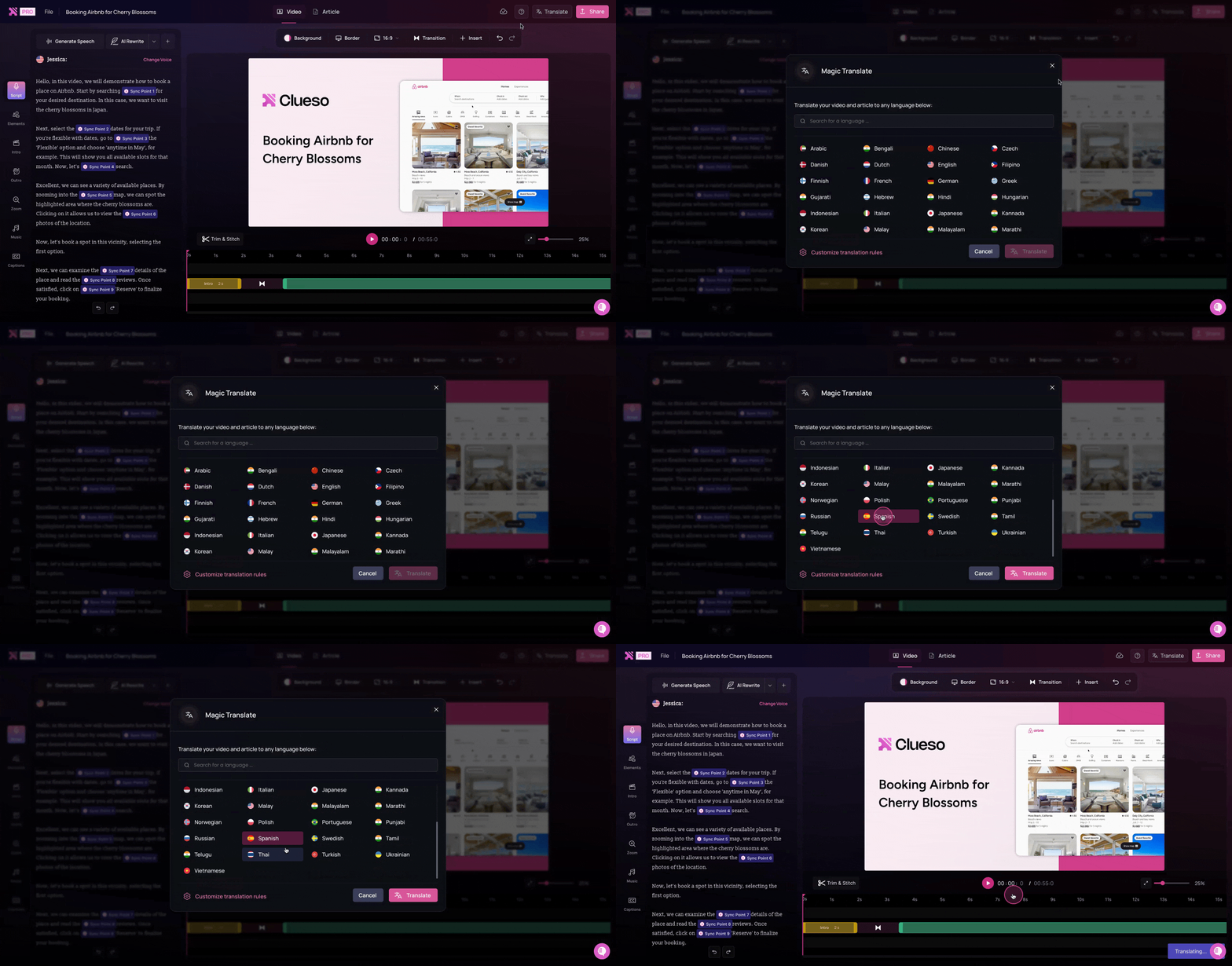
Clueso supports translation of your videos and SOPs as well as generating captions in 20+ languages. The translation glossary lets you regulate how specific terms are being translated.
Trupeer also supports translation in multiple languages and offers a glossary. The only limitation is it does not generate captions in multiple languages.
Enterprise readiness
Does the tool meet enterprise security standards?
Both tools meet enterprise security standards.
Both Clueso and Trupeer comply with SOC2 and ISO 27001 standards, ensuring secure data handling.
Can teams collaborate in a shared workspace?
Yes, in both tools.
Both Clueso and Trupeer support collaborative environments. Clueso offers advanced roles, permissions, and version control for teams working at scale. Trupeer includes basic governance controls.
Pricing
While Trupeer’s entry-level plan looks affordable, Clueso includes significantly more automation, users, and output flexibility — making it more cost-effective for growing teams.
Feature
Clueso
Trupeer
Starting Price
$120/month (billed yearly)
$40/month (billed yearly)
Free Trial
✅ 7-day full-feature trial
✅ 10-day limited feature trial
Team Pricing
Per team
Per user
| Note: Pricing is subject to change. Check each provider’s site for the latest.
What does the pricing difference mean in practice?
Content ROI
Clueso reduces production costs by automating script generation, voiceovers, translations, editing, and simplifying updates. It eliminates the need for manual effort and extra tools. One recording can produce videos, articles, and GIFs in multiple languages.
Trupeer has a lower starting price, but costs rise with scale. Lmited export options and smaller quotas add overhead as content demand increases.
Recognized. Trusted. Loved.
From fast-growing startups to Fortune 500s, teams of all sizes trust Clueso.
4.8
out of 5 stars on G2.com
1M+
videos created on Clueso in the past 6 months
Clueso vs Trupeer: Which one is for you?
If you’re looking for a simple way to capture quick, browser-based workflows, Trupeer is a great lightweight option. It’s easy to set up, affordable, and ideal for small teams that just need to document steps or share basic process videos.
But if your goal is to create scalable, branded, and multilingual learning content, Clueso is built for you. It automates everything, from recording and scripting to voiceovers, translations, and documentation, so your team can produce professional product walkthroughs and tutorials fast.
Ideal Use Cases
Best for
Clueso
Trupeer
Product Teams
✅ Record workflows → auto-generate tutorials & docs
Both tools help teams capture and document workflows, but Clueso goes far beyond recording. It automatically generates videos, voiceovers, transcripts, and multilingual documentation from one workflow, all fully branded and editable. Trupeer focuses on quick, browser-based step capture and basic AI write-ups for simpler guides.
No. Clueso supports full desktop and browser recording, not just Chrome. This means you can capture workflows across multiple apps and tools. It is ideal for complex product demos or cross-platform processes.
With Clueso, you can re-record only the changed steps and Clueso AI automatically updates the connected video, article, and captions. Trupeer doesn’t support dynamic updates, so you’ll need to record the whole process again.
Yes, but Clueso provides richer collaboration features. It includes role-based permissions, and version control. Trupeer supports team access but has limited workflow governance.
Yes. Clueso supports both videos and written documentation into 40+ languages.
Yes. Many teams use Trupeer for quick, internal process captures and Clueso for professional, customer-facing content. Trupeer is a good starting point for step documentation; Clueso scales that into a global knowledge system.