Clueso

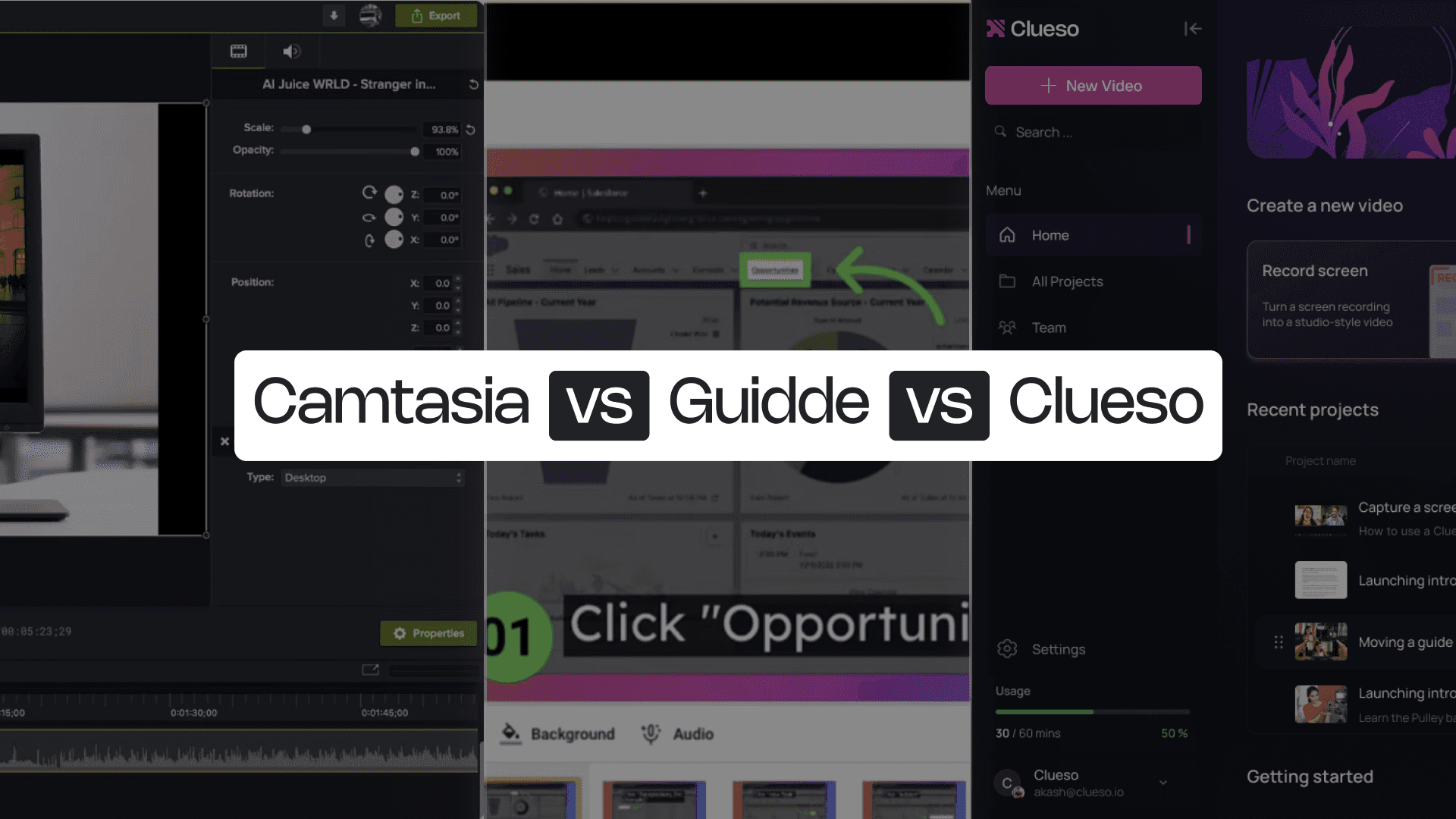
Camtasia vs Guidde

Camtasia is built for creators who want full control — high-quality screen recordings, layered editing, and pixel-perfect tutorials. Guidde, on the other hand, focuses on speed and automation. It captures your browser steps instantly and turns them into quick how-to videos and matching articles.

Both tools make it easier to explain how something works, but they solve very different problems. Powerful editing or AI assisted production - what would you choose?

Camtasia vs Guidde
Backed byY Combinator
Rated 4.8on
G2.com
PhenomSamsaraDarwinboxMovable InkUiPathPleo

Camtasia vs Guidde at a Glance

Content Creation Capabilities

FeatureCamtasiaGuidde
AI AvatarsPro-version onlyEnterprise-only
Screen Recording✓Browser only
Video editingAdvancedLimited
Video Script Generationvia Audiate❌
AI Voiceoversvia Audiate✓
Auto Article Generation❌✓
Step Capture❌✓
Screenshots❌✓
GIFs✓✓
Multi-format ExportVideo onlyVideo and article
Multi-language TranslationVideo onlyVideo only

Professional Features

FeatureCamtasiaGuidde
Custom BrandingManual✓
Custom templates✓❌

Enterprise Features

FeatureCamtasiaGuidde
Security ComplianceSOC2, ISO 27001SOC2
Shared Team Workspace✓✓
Access Control by Roles✓✓

The questions feature lists don’t cover

Honest answers to things that come up in day-to-day use.

Content Creation Capabilities

What kind of content is each platform actually built for?

Camtasia is built for creators who want full control over the production process. It allows high-quality screen recording, advanced timeline editing, rich audio control, and layered effects. With Audiate, users can generate scripts, clean up audio, and create basic AI voiceovers. For teams producing polished tutorials, technical walkthroughs, or long-form training videos, Camtasia offers the level of precision needed to craft content frame by frame.

Guidde, by contrast, excels at producing simple, structured, instructional content fast. It captures steps directly inside the browser. Every click becomes a step, screenshots are created automatically, and an article version is generated alongside the video. AI voiceovers help teams produce documentation quickly — making it especially useful for support, onboarding, and internal process sharing.

Professional Features

How do they handle branding and repeatable formats?

Camtasia gives creators complete freedom to build their own visual style. Users can apply custom branding manually and build reusable templates for consistency across projects. This level of control is perfect for teams producing polished, professional training videos or branded content that needs to align closely with company guidelines.

Guidde, on the other hand, offers built-in branded styles. While it doesn't support complex custom templates, its branding tools help teams produce professional-looking content quickly, especially when multiple creators need to maintain the same visual identity.

Enterprise Features

Which platform is better suited for enterprise governance and collaboration?

Both Camtasia and Guidde support enterprise needs with features like SOC2 compliance, team workspaces, and role-based access controls. Camtasia provides robust administrative oversight through permissions, shared libraries, and centralized asset management. It is useful for large teams managing complex projects.

Guidde brings a more lightweight collaboration model optimized for fast-moving teams that create and share documentation frequently. It offers centralized team spaces, shared access to processes, and structured content folders — ideal for customer support, onboarding teams, or product operations.

Both platforms are enterprise-ready, but their strengths reflect their different audiences. Camtasia is for production-focused content teams, Guidde is for operational teams who prioritize quick creation and easy sharing.

What to Consider When Choosing Between Camtasia & Guidde

Manual precision or automated steps — but neither solves the full workflow.

Camtasia and Guidde sit at opposite ends of the content-creation spectrum. Camtasia gives you deep editing control, while Guidde focuses on automated step capture and quick documentation. Both are strong in their lanes, but modern teams often need something that blends the two.

Here’s what to keep in mind before choosing:

  • Camtasia offers power, but it’s entirely manual. Every timeline adjustment, annotation, and transition requires hands-on editing.
  • Guidde automates steps, but only inside the browser. It can’t capture desktop apps, native tools, or full workflows end-to-end. You’re limited to processes that happen inside Chrome.
  • Camtasia doesn’t generate documentation. It’s a video editor, not a documentation platform. If you need written guides, screenshots, or articles, you have to create them manually or use a third-party tool.
  • Neither tool makes updates easy. In Camtasia, updates mean re-recording. In Guidde, updates mean re-running the workflow (and often starting over).
  • Formats and publishing options are limited. Camtasia exports video only. Guidde exports video + article, but does not support rich-text formats.

So neither gives teams a scalable way to capture real workflows, automate edits, and maintain content easily.

Camtasia vs Guidde vs Clueso: 5 Reasons Why Clueso Is a Better Alternative

1. End-to-End Process Capture

Camtasia records your screen, but it doesn’t understand what it captures. Guidde understands steps, but only inside the browser. Clueso captures full workflows across any app, detecting every click and action, and turning them into structured steps automatically.

FeatureCluesoCamtasiaGuidde
Screen Recording✓✓Browser only
Step DetectionAutomatic❌Browser-only
Process CaptureAutomatic❌Browser-only

2. AI-Enhanced Editing That Removes All the Manual Work

With Camtasia, editing is a hands-on process - trimming clips, managing the timeline, adding callouts, syncing audio. Guidde automates step visuals, but its editing options are limited.

Clueso uses AI to automate video editing. It can rewrite scripts based on your raw narrations, generate AI voiceovers, and even translate your content in 40+ languages. It even applies effects like zooms, spotlights, captions, callouts automatically. You get polished videos without ever touching a timeline.

FeatureCluesoCamtasiaGuidde
Video EditingAutomatedManualLimited
Automatic Script Generation✓via Audiate❌
AI Voiceover✓via AudiateLimited
AI Voice & Audio Sync✓ManualManual
Zoom EffectsAutomated✓✓
Blurring & Annotations✓✓✓
Callout effects✓✓✓
Background Music✓✓✓
Screenshots✓❌✓
GIFs✓✓✓

3. Dual Output: Video + Step-by-Step Article in One Recording

Camtasia produces video only. Guidde generates video and docs, but formatting is limited.

Clueso generates a polished video and a fully structured documentation at the same time — both synced perfectly. Every step you record becomes a line in your guide and a moment in your video.

FeatureCluesoCamtasiaGuidde
Video Output✓✓✓
Article Output✓❌✓
Auto-Synced Video + Article✓❌❌

4. Updates That Don’t Require Re-Recording

This is where Clueso outclasses both tools entirely. Camtasia requires re-recording when a UI changes. Guidde requires re-running the steps.

Clueso lets you edit or update any step, rewrite narration, or adjust text — and everything updates automatically across both your video and article. No re-recording needed.

FeatureCluesoCamtasiaGuidde
Update Without Re-recording✓❌❌
Auto Sync Across Assets✓❌❌
Ideal for Rapid Product Changes✓❌❌

5. Multi-Format Export + Enterprise-Ready Publishing

Camtasia exports video only. Guidde exports video + article, but in limited formats. Clueso gives teams everything they need: MP4, GIF, HTML, Markdown, Rich Text, help-center embeds, view analytics, and link sharing — all from a single workflow.

Camtasia gives you manual creative control. Guidde gives you quick browser-based step capture. Clueso gives you both — with AI automation that removes all the manual work.

You’re in good company

Daniel Wood

Clueso has been a game-changer for supporting our front-line and office workers. Its intuitive interface and powerful AI let us quickly deliver clear, targeted content, dramatically boosting our productivity. Plus, Clueso's customer support is among the best of any vendor we use. A truly fantastic partner!

Daniel Wood, Director of Learning and Development, Global Partners LP

Cyrus Dorosti

With Clueso, we created and launched 8 training courses for Duda's new editor in just one quarter—something we never thought was possible given the resources we had. The ability to make dynamic updates to videos has truly been a game-changer for my team!

Cyrus Dorosti, VP of Customer Success, Duda

Adam Avramescu

As a fast-evolving software product, Personio looks for partners who help us deliver at pace. Clueso has helped us transform our video production, letting our expert video producers focus their time and opening up high-quality video production across our team. We also trust the team at Clueso to be responsive to our needs and innovative for the industry.

Adam Avramescu, VP - Scaled Customer Experience, Personio

Hillary Deal

We got Clueso to help us create product training videos for customers, and quickly realized we could use it to scale employee training on internal workflows too. What began with a few licenses has expanded across teams. Everyone loves Clueso!

Hillary Deal, Director of Product Training and Enablement, Keyfactor

Krish Ramineni

We're now producing 30+ professional-grade product videos every month. What used to take hours can now be done in just 15 minutes with Clueso.

Krish Ramineni, Co-founder & CEO, Fireflies.ai

Camtasia vs Guidde: Which One Is for You?

Camtasia is ideal for teams that want full editing control and polished, studio-style videos. It’s great for long-form training, in-depth tutorials, and videos that benefit from detailed timeline editing. If precision matters more than speed, Camtasia fits that workflow well.

Guidde, on the other hand, is perfect for teams who need browser-based documentation. It captures steps automatically, generates AI voiceovers, and produces simple how-to videos with matching articles. It’s built for internal enablement, support, and quick operational onboarding where speed matters more than customization.

But today’s teams often need more than just editing control or browser capture. They need to create content that spans multiple tools, works across platforms, updates easily, and scales without re-recording or rebuilding. That’s where both Camtasia and Guidde hit limits.

Clueso bridges that gap. It captures real cross-app processes, detecting every step, enhancing recordings with AI, and generating both a video and an article instantly. And when your product changes, you simply update a step instead of starting from scratch. It’s the one platform that turns your product workflows into polished, always-up-to-date documentation with the least effort possible.

Experience it yourself

Frequently asked questions