Clueso

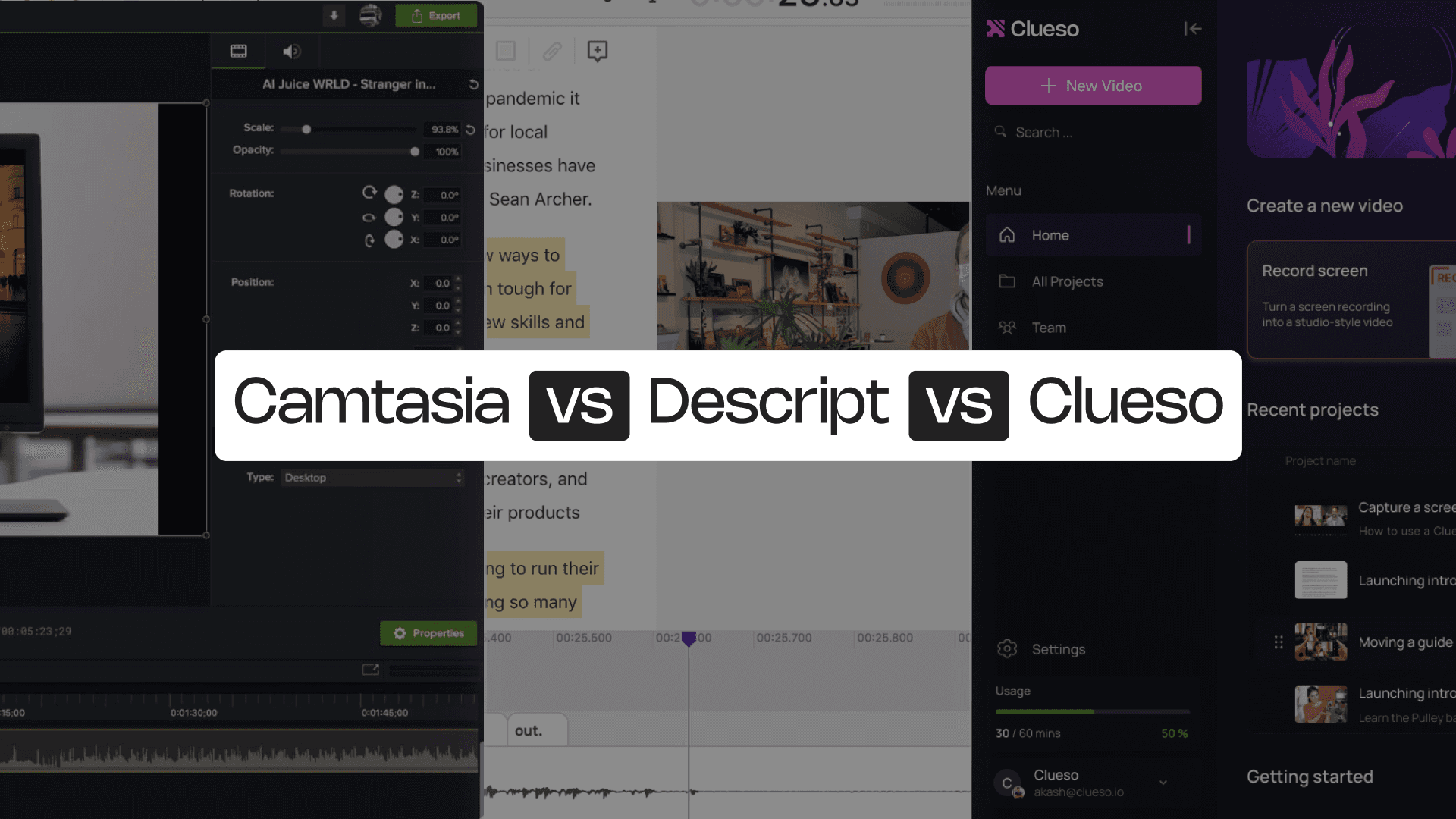
Camtasia vs Descript

Camtasia gives you traditional, timeline-based editing with high-quality screen capture, advanced effects, and multi-track control. Descript, on the other hand, flips the process: it lets you edit video by editing text. Its transcript-driven workflow, AI dubbing, and multi-language tools make it powerful.

Both tools streamline content creation, but they’re built for completely different needs. Visual editing or transcript editing - this breakdown will clarify your options.


Camtasia vs Descript
Backed byY Combinator
Rated 4.8on
G2.com
PhenomSamsaraDarwinboxMovable InkUiPathPleo

Camtasia vs Descript at a Glance

Content Creation Capabilities

FeatureCamtasiaDescript
AI AvatarsPro-version only✓
Screen Recording✓Basic
Video Script Generationvia Audiate❌
Transcript Editing❌✓
AI Voiceoversvia Audiate✓ (Dubbing)
Multi-Track Editing✓✓
Multi-language Translation✓✓

Professional Features

FeatureCamtasiaDescript
Custom BrandingManual✓ (drive-level feature)
Custom templates✓❌ (template library available)

Enterprise Features

FeatureCamtasiaDescript
Security ComplianceSOC2, ISO 27001SOC2
Shared Team Workspace✓✓
Access Control by Roles✓Basic

The questions feature lists don’t cover

Honest answers to things that come up in day-to-day use.

Content Creation Capabilities

What kind of content is each platform actually built for?

Camtasia is designed for creators who want full control over the content editing. It offers crisp screen recording, multi-track editing, advanced annotations, and robust timeline manipulation. With its companion tool Audiate, creators can generate basic scripts, clean up audio, and produce AI voiceovers. This makes Camtasia well-suited for long-form tutorials, technical walkthroughs, and polished, instructor-led training videos.

Descript, by contrast, takes an audio-first approach. It specializes in transcript-based editing, allowing creators to edit video by simply editing text. Its AI voices, dubbing tools, and multi-language support make it effective for teams producing podcasts, talking-head videos, or narrative-driven explainers. While its screen recording is more lightweight, Descript excels at transforming spoken content into easily editable media. It is perfect for creators who prioritize speed and script accuracy over complex visual editing.

Professional Features

How do they handle branding and repeatable formats?

Camtasia gives users complete visual control, allowing them to manually apply custom branding, build reusable templates, and integrate branded assets directly into the editing timeline. This makes it ideal for teams producing cohesive training series or consistent instructional videos where branding and structure matter.

Descript offers branding at a drive level, enabling teams to maintain consistent identities across shared assets. While it doesn’t support custom templates in the traditional sense, its template library and AI-powered editing tools help streamline repeatable formats. Descript’s strength lies in its ability to help teams create content when scripts, captions, and voice edits are central to the workflow.

Enterprise Features

Which platform is better suited for enterprise governance and collaboration?

Both Camtasia and Descript meet enterprise-grade security standards, with SOC2 compliance and workspace features designed for team collaboration. Camtasia offers detailed role-based access control, supporting teams that need structured governance over who edits, reviews, or publishes content. Shared libraries and permissions make it easier to manage large volumes of video assets across teams.

Descript provides collaborative editing environments where multiple team members can work on transcripts, audio, and video assets simultaneously. Its access controls are more lightweight. For distributed teams, Descript’s cloud-based workflows make reviewing, editing, and sharing seamless.

What to Consider When Choosing Between Camtasia & Descript

Different strengths — but neither covers the full workflow for product-focused teams.

Camtasia and Descript offer two very different creation experiences: one gives full visual editing control, the other gives text-based editing speed. Both are powerful, but each comes with trade-offs depending on what you’re creating — and how often your content needs to evolve.

Here’s what to keep in mind before you choose:

  • Camtasia offers precision, but it’s fully manual. Every annotation, effect, and timeline adjustment requires hands-on editing. It’s not suitable for fast turnaround or teams with high content volume.
  • Descript is script-driven. It excels when your content is narration-first, not workflow-first. Editing by transcript is powerful, but less effective when documenting step-by-step product actions.
  • Neither tool understands the process you’re recording. They record video and audio, but they don’t detect steps or label actions.
  • Documentation still needs manual work. Camtasia produces video only; Descript produces video with transcripts. If you need structured how-to guides, screenshots, or step-by-step articles, you still have to build them yourself.
  • Updating content isn’t frictionless. Any workflow change typically requires re-recording or re-editing. This becomes painful for product teams updating tutorials every sprint.

Camtasia is ideal for visual creators who want manual control. Descript is ideal for script-heavy content and talk-driven videos. But teams documenting real product workflows needs more.

Camtasia vs Descript vs Clueso: 5 Reasons Why Clueso Is a Better Alternative

1. Captures Real Product Workflows

Camtasia gives you high-quality screen recordings, but everything after that is manual editing. Descript lets you record your screen too, but it’s built primarily for script-driven content, not product walkthroughs.

Clueso captures real, step-by-step workflows across any app, detects every action automatically, and turns them into a clear, structured sequence; ready for editing or instant publishing.

FeatureCluesoCamtasiaDescript
Full Workflow Capture✓ManualBasic
Automatic Step Detection✓❌❌

2. AI Enhancements Replace Manual Editing Entirely

Camtasia requires hands-on timeline editing — trimming clips, syncing audio, adding callouts, zooming, framing. Descript simplifies editing through transcripts but lacks workflow-level automation.

Clueso automates most of the work for you. From AI script generation, AI voiceovers,  AI-enhanced audio, narration sync, filler removal, to  automatic zooms, spotlight, step labeling — all without touching a timeline.

FeatureCluesoCamtasiaDescript
Video EditingAutomatedManualManual
Automatic Script Generation✓via Audiate❌
AI Voiceover✓via AudiateAI Dubbing
AI Voice & Audio Sync✓ManualManual
Auto Zooms & Highlights✓ManualLimited
Filler Removal✓ManualLimited
Background Music✓✓✓
Screenshots✓❌✓
GIFs✓✓✓

3. Dual Output: Video + Step-by-Step Article in One Take

Camtasia outputs polished video. Descript outputs video + transcripts.

Clueso outputs two fully usable assets at once - a complete video tutorial and a step-by-step documentation. Both stay perfectly in sync because they’re generated from the same process capture. Clueso also enables you to translate the outputs in 40+ languages to reach a global audience.

FeatureCluesoCamtasiaDescript
Video Output✓✓✓
Article Output✓❌Transcript only
Sync Between Formats✓❌❌

4. Updates Without Re-Recording or Re-Editing

Camtasia forces you to re-record when screens change. Descript lets you edit narration easily but not the underlying workflow visuals.

Clueso lets you update a single step, fix narration, or rewrite text — and the video + article update automatically. This makes it a game-changer for product teams that iterate often.

FeatureCluesoCamtasiaDescript
Update Without Re-recording✓❌❌
Auto Sync Across Assets✓❌❌

5. Flexible Exporting + Enterprise-Ready Governance

Camtasia exports video only; Descript exports video + transcripts. Clueso goes further with  video and step-based documentation. Clueso also offers SOC2, ISO 27001, role-based access, team workspaces, category management.

Clueso is the only platform that understands workflows, automates editing, produces dual outputs, and helps keep everything up to date without re-recording.

You’re in good company

Daniel Wood

Clueso has been a game-changer for supporting our front-line and office workers. Its intuitive interface and powerful AI let us quickly deliver clear, targeted content, dramatically boosting our productivity. Plus, Clueso's customer support is among the best of any vendor we use. A truly fantastic partner!

Daniel Wood, Director of Learning and Development, Global Partners LP

Cyrus Dorosti

With Clueso, we created and launched 8 training courses for Duda's new editor in just one quarter—something we never thought was possible given the resources we had. The ability to make dynamic updates to videos has truly been a game-changer for my team!

Cyrus Dorosti, VP of Customer Success, Duda

Adam Avramescu

As a fast-evolving software product, Personio looks for partners who help us deliver at pace. Clueso has helped us transform our video production, letting our expert video producers focus their time and opening up high-quality video production across our team. We also trust the team at Clueso to be responsive to our needs and innovative for the industry.

Adam Avramescu, VP - Scaled Customer Experience, Personio

Hillary Deal

We got Clueso to help us create product training videos for customers, and quickly realized we could use it to scale employee training on internal workflows too. What began with a few licenses has expanded across teams. Everyone loves Clueso!

Hillary Deal, Director of Product Training and Enablement, Keyfactor

Krish Ramineni

We're now producing 30+ professional-grade product videos every month. What used to take hours can now be done in just 15 minutes with Clueso.

Krish Ramineni, Co-founder & CEO, Fireflies.ai

Camtasia vs Descript: Which One Is for You?

Camtasia is perfect for teams who want full visual control - multi-track editing, polished effects, and detailed tutorial production. If you’re producing long-form training content or highly designed instructional videos, Camtasia gives you all the knobs and dials.

Descript, on the other hand, is built around script-first, audio-first creation. It shines when the story is driven by narration — podcasts, explainers, interviews, talking-head videos. Its transcript-based editing and AI dubbing make editing fast and accessible, especially for teams who prefer editing words rather than timelines.

But both tools don’t understand your workflow, detect steps, or help you maintain documentation as your product evolves. That’s where Clueso stands apart. It captures real workflows across any app, detects every step, enhances recordings automatically, and generates both a polished video and a step-by-step article from a single capture. And when something changes, you update that particular step.

If Camtasia is powerful but manual, and Descript is fast but script-driven, Clueso is powerful, fast, and purpose-built for teams who show real product workflows and keep them up to date.

Experience it yourself

Frequently asked questions