
How to wrap text in Canva
This tutorial guides you through the process of wrapping text in Canva, using a simple workaround.
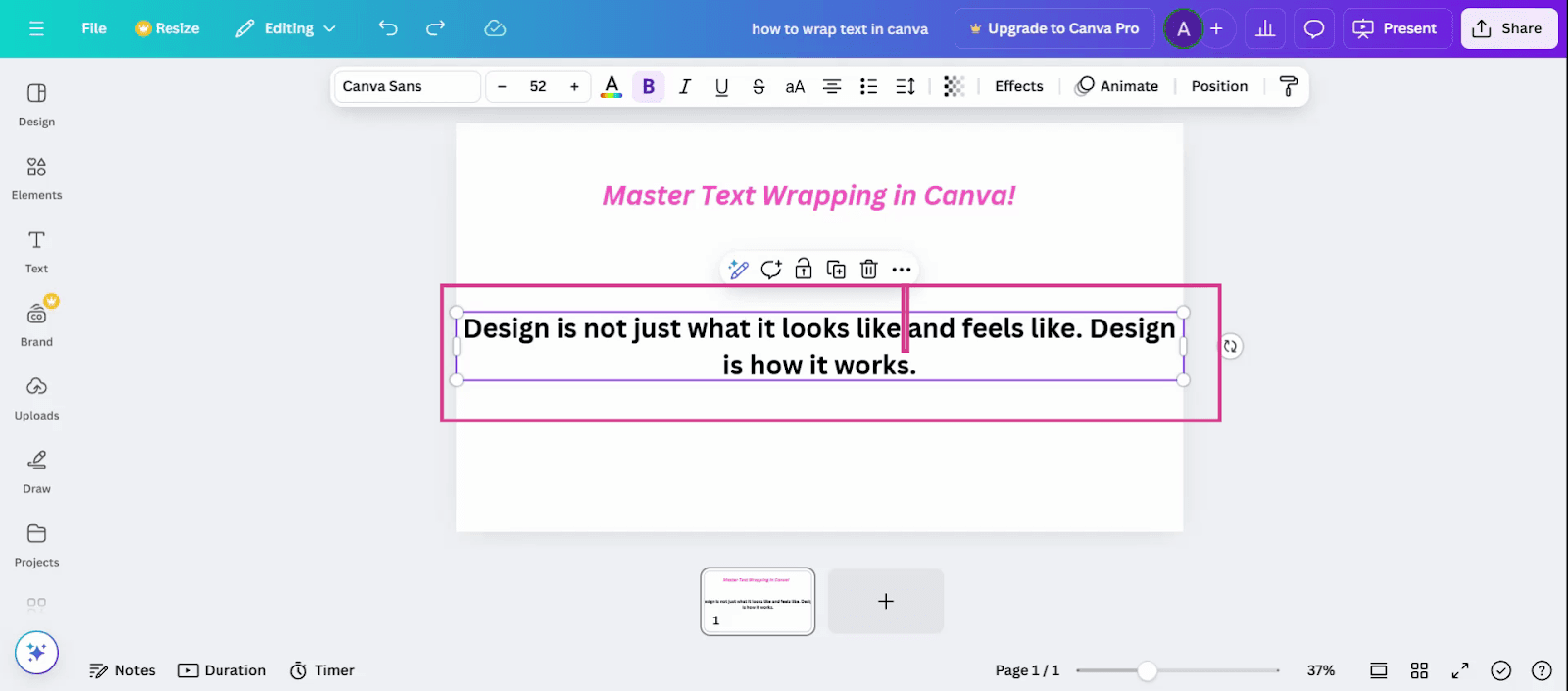
Step 1: Press the Enter button on your keyboard at the point where you wish to modify your alignment.
Step 2: Adjust your alignment using the Toolbox slider in the Toolbox.
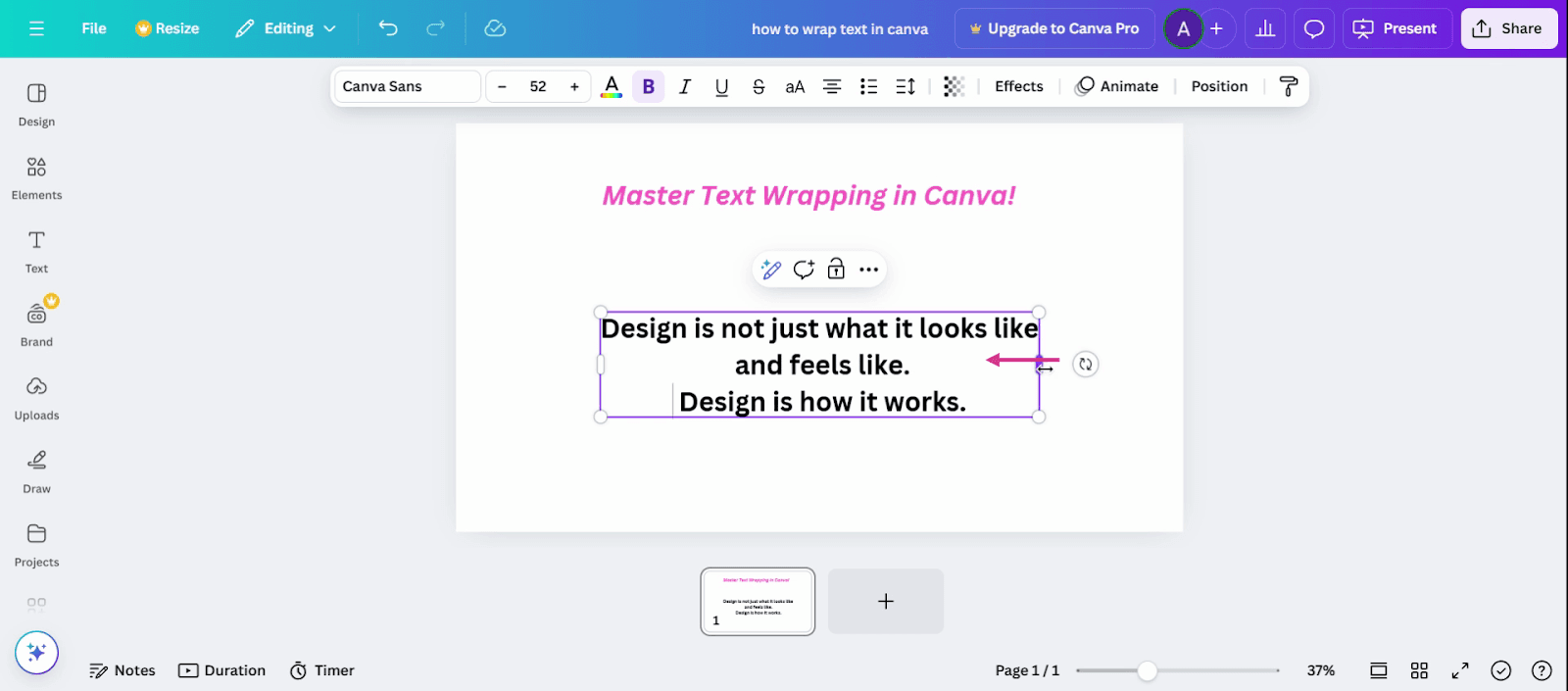
And that's it! You've successfully wrapped your text in Canva.