
How to crop an image into a circle in Canva
Welcome to this tutorial! By the end, you'll know how to circle crop any image in Canva.
Step 1: Open your desired design with the image you want to circle crop.
Step 2: On the left hand side, select the Elements option.
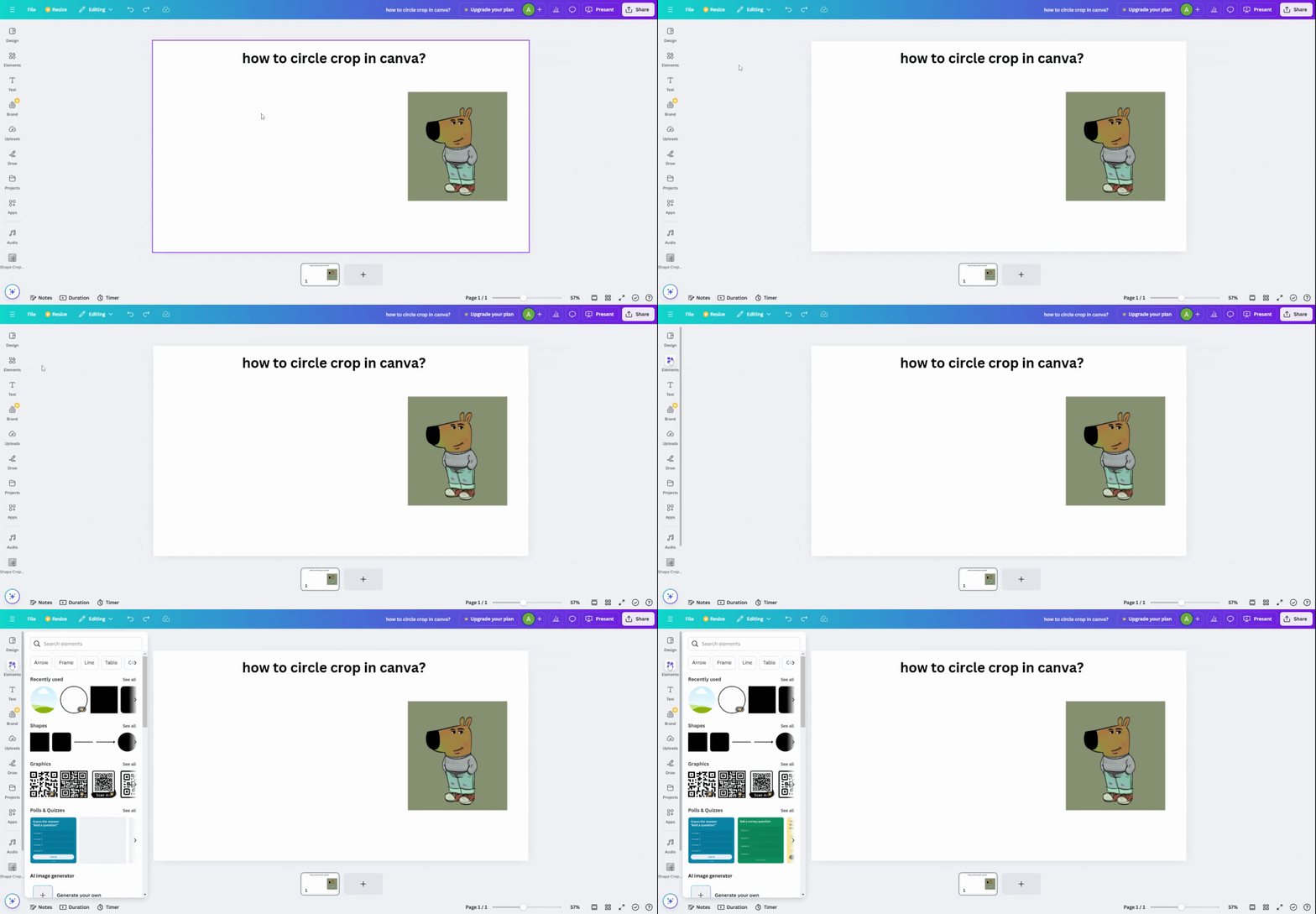
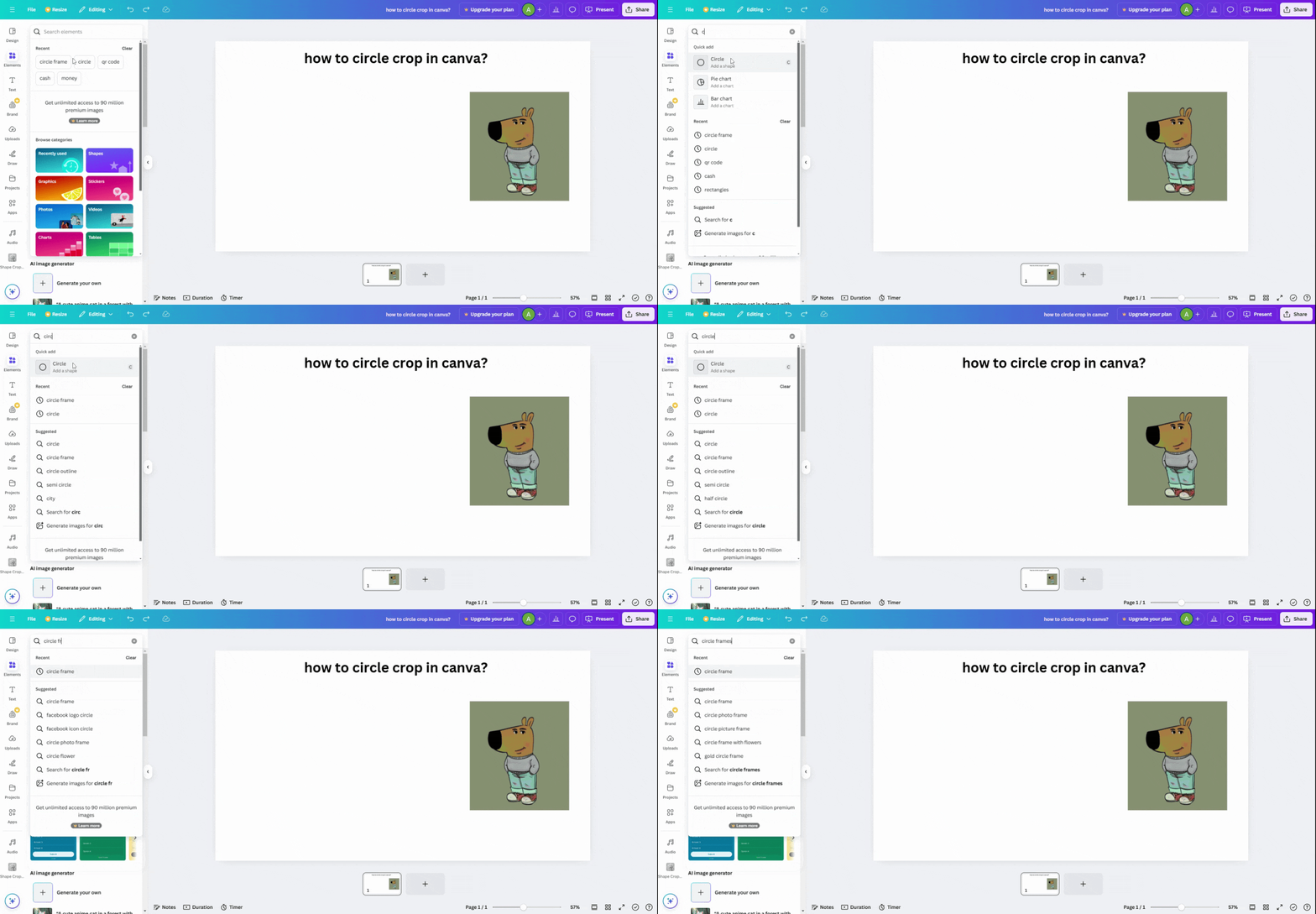
Step 3: In the element search bar, type Circle Crop Circle Frames.
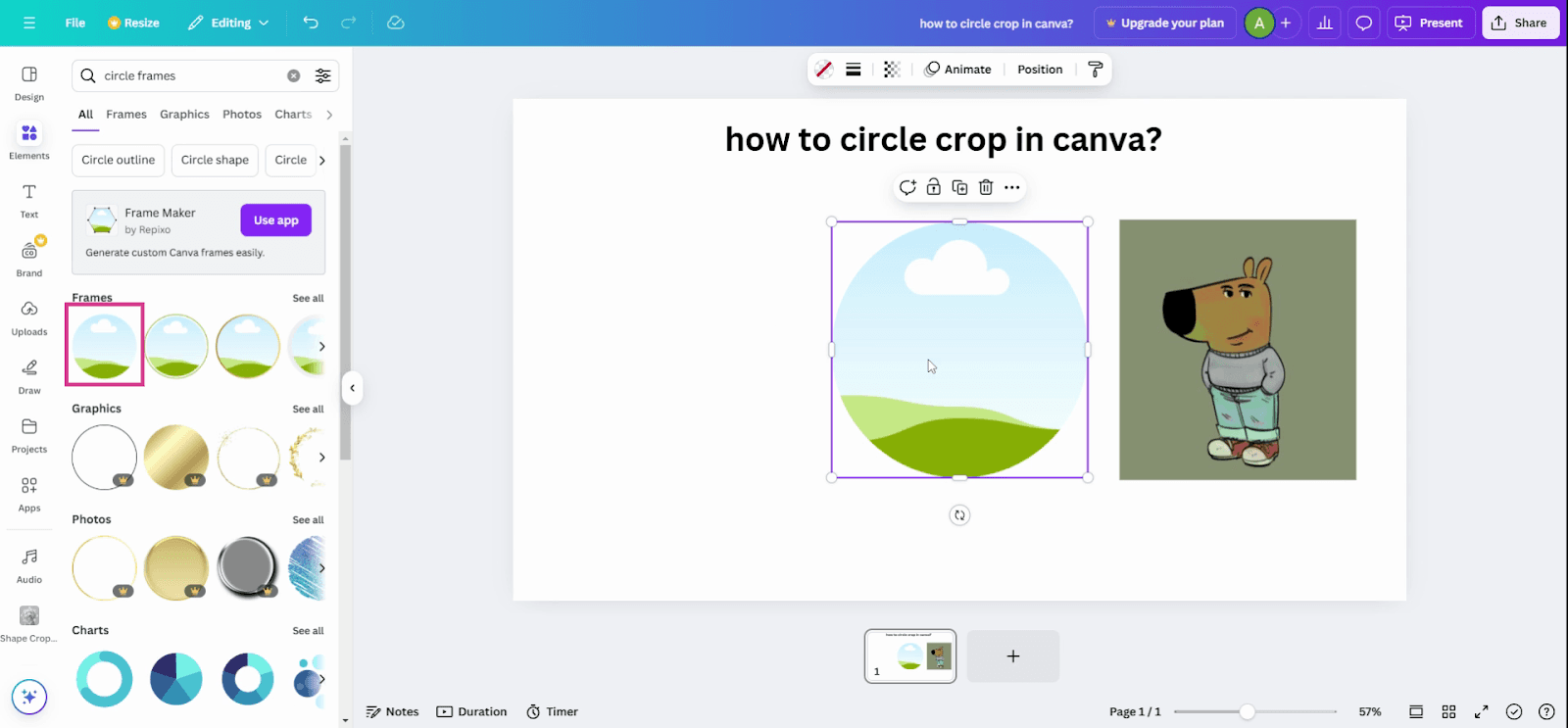
Step 4: From the search results, choose a circle frame that suits your needs.
Step 5: Click on the chosen frame. You'll see a circle frame appear on your design.
Step 6: Drag your image into the frame.
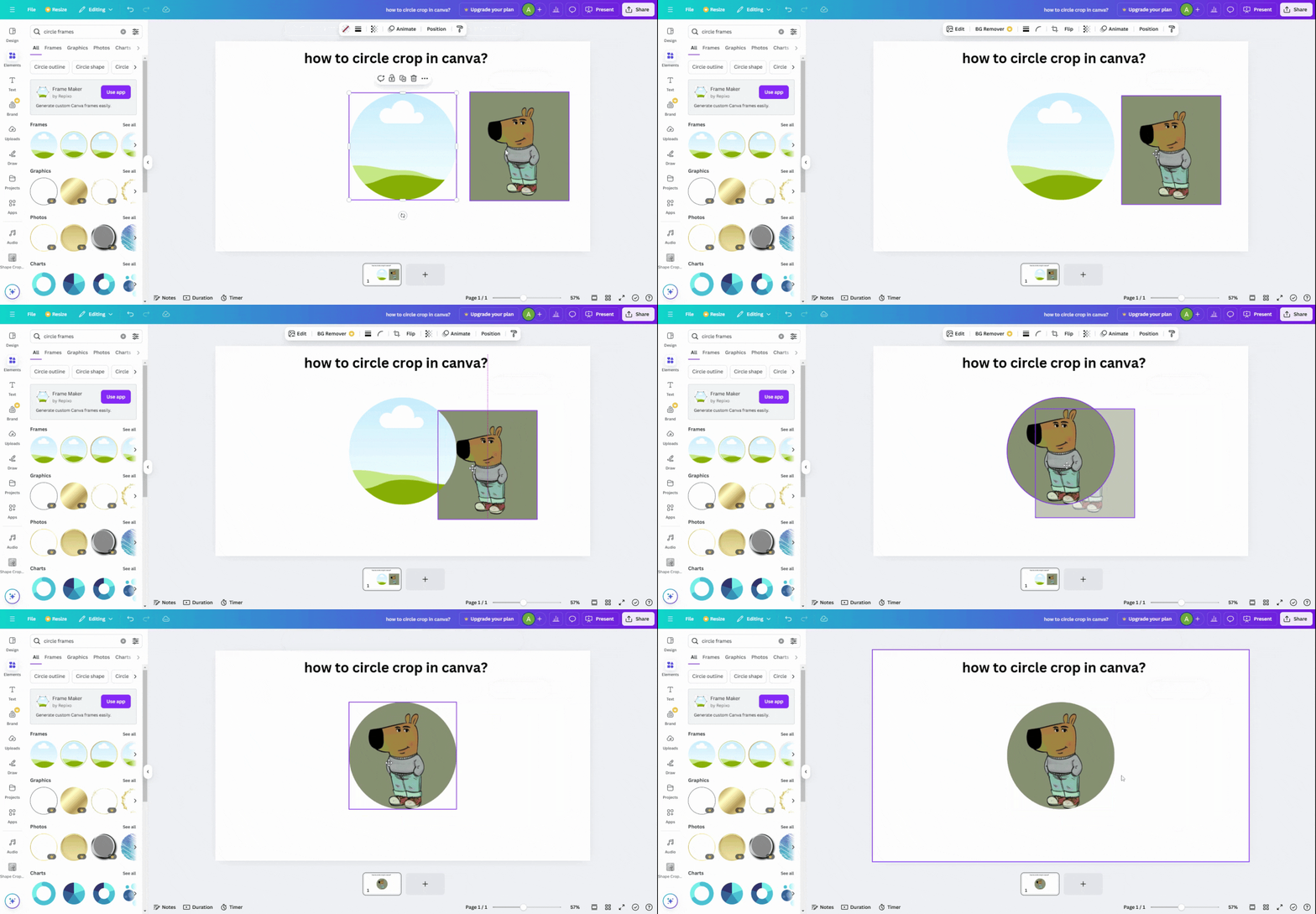
And that's it! Your image is now circle cropped. It's as simple as that.